TML Admin Panel
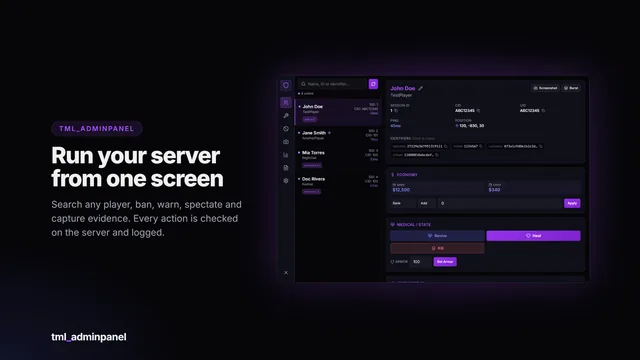
A searchable in-game administration panel with automatic framework detection, a framework-independent ban system and every action permission-gated and logged.
- 38 permissions
- Framework-free bans
- Audit log
Scripts / TML Queue
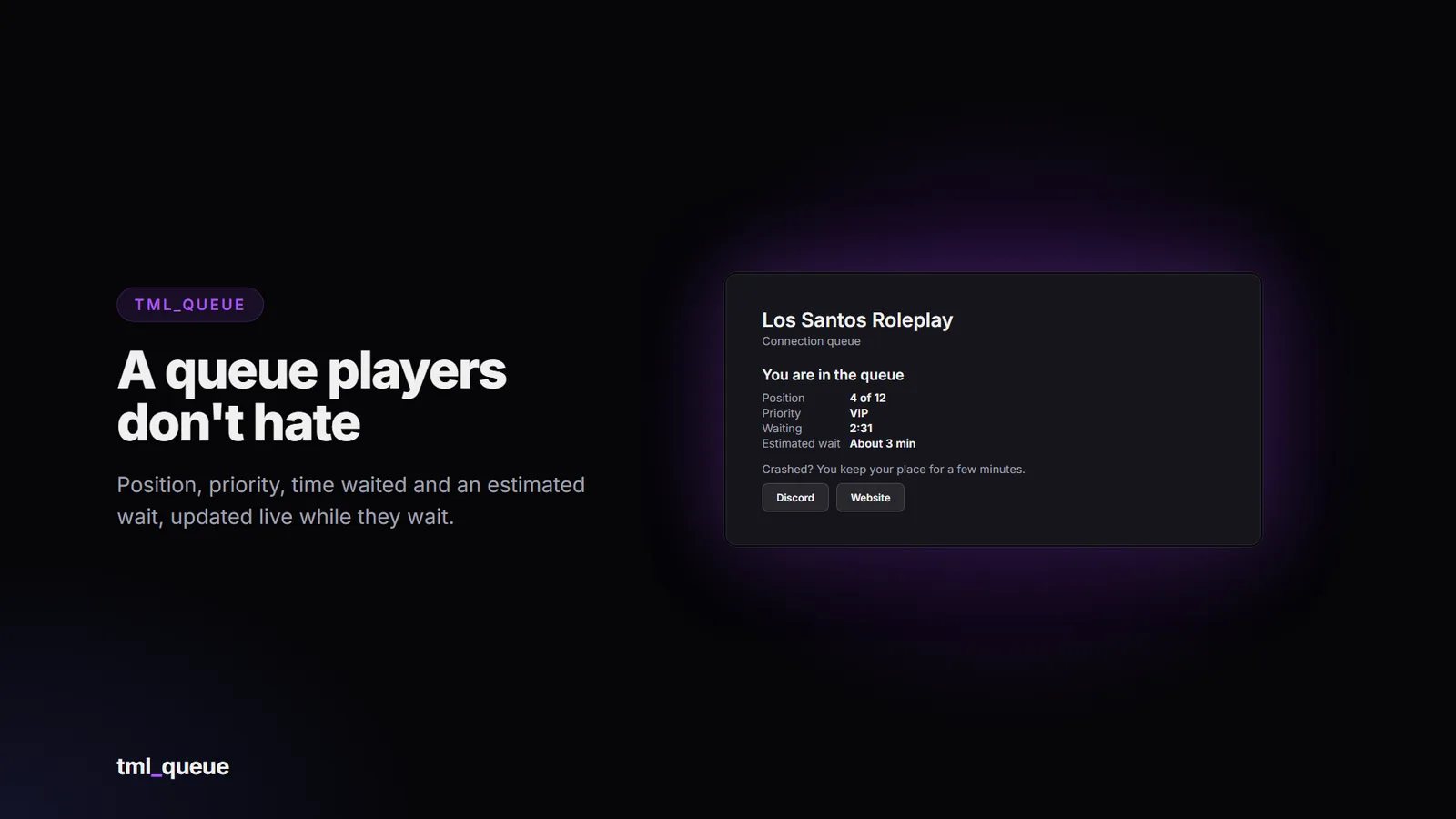
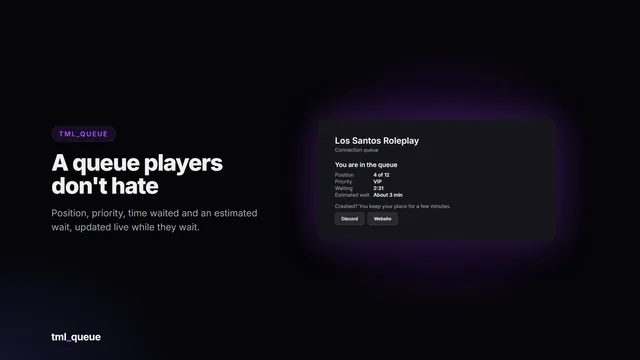
A connection queue players don’t hate. When your server is full, players wait on a live queue card with their position, priority, time waited and an estimated wait. Priority comes from Discord roles, or from timed priority you sell on Tebex with one command.
Live queue card: your server name and logo, position “4 of 12”, priority label, time waited, an estimated wait, a rotating tip and up to three link buttons (Discord, website, store).
Sell priority on Tebex: queue_addprio fivem:{id} 50 30 VIP gives 50 points for 30 days. Expired priority is removed automatically.
Discord role priority through a built-in bot (two-minute setup) or Badger_Discord_API.
Reconnect grace: players who crash or time out get top priority for a few minutes, so they don’t lose their place.
Keeps your place: reconnecting while still in line keeps your original position.
Reserved slots for staff and VIPs above a priority level.
Whitelist: off, by Discord role, by a database list managed with a command, or either.
Requirements: optionally require Discord, Steam, or membership of your Discord server.
Fair slot counting: players who never finish loading, or who your ban system refuses, give their slot back.
Admin commands from the console, txAdmin or in game (ACE): list the queue, add and remove priority, manage the whitelist, move someone to the front.
Exports and events for priority, whitelist and queue info.
Server-side only, works with any framework or none. English and Spanish included.
FiveM server
oxmysql (tables are created automatically, no manual SQL needed)
Optional: a Discord bot or Badger_Discord_API, for role priority and Discord whitelists
Category
Included adapters
Framework
Not needed (runs before players load in; works with any framework or none)
Discord roles
Built-in Discord bot, Badger_Discord_API, none, custom
The bridge files are not encrypted: if you use your own Discord bot or API, you can point the queue at it with the custom adapter.
Drop tml_queue into your resources folder.
ensure tml_queue after oxmysql, early in server.cfg.
Start the server (database tables are created automatically).
Set your server name, card buttons and, if you want them, Discord role priorities.
A full install guide and config reference are included. Update announcements are posted in the Discord.
This resource is distributed through the Cfx.re Asset Escrow system. Please read before purchasing.
The main server code is encrypted by Cfx.re’s escrow. It can’t be viewed or edited, and it can only run on a server whose license key belongs to the Cfx.re account that purchased it.
These files are left open so you can customise them: the config files, language files, the Discord roles bridge, the install files and the documentation.
You need a Cfx.re (Keymaster) account and a server using that account’s license key. The resource will not run on a server registered to a different account.
One purchase covers one server.
Do not resell, share, leak or redistribute the files or the encrypted assets. Doing so violates the license and Cfx.re’s terms.
All sales are final: no refunds. Check the requirements and compatibility above, or ask in the Discord, before buying. Price drops and later sales are not refunded.
Free lifetime updates, granted to the same Cfx.re account.
No account transfers. Licences are not moved between Cfx.re accounts, so buy with the account that owns your server key.
Chargebacks and leaks mean the licence is revoked and your accounts are banned from support and future purchases. Report leaks to [email protected].
Payments are handled by Tebex, and anything not covered here follows Tebex’s terms: https://checkout.tebex.io/terms
Support covers installation help, bugs in the shipped code and the documented config. It does not cover custom Discord bots or APIs, heavily modified forks, conflicts with unrelated scripts, general server setup or account transfers. Join the Discord for support: https://discord.gg/RPzkXrDUEQ
The queue card preview is rendered with sample data; in game, FiveM draws it in its own connecting screen style.
The queue only appears when the server is full. To test it, set Config.Queue.maxSlots = 1 and connect with two
clients. Make sure ensure tml_queue comes early in server.cfg.
The console prints roles=... at start. With none, no bot token is set (config/server.lua) and Badger_Discord_API
isn't running. With discord: turn on "Server Members Intent" for the bot, check the guild id, and make sure the bot is
in your server. A "Discord refused the bot token" error means the token is wrong. Role ids in the config must be
strings: ['123456789012345678'].
Their identifier must match exactly. Run queue_addprio with the identifier type they actually connect with (Discord
must be running for discord: ids to exist).
No. It replaces the player's database priority (points, label and expiry) with the new one.
With Config.Grace.enabled, they get Config.Grace.points priority for Config.Grace.minutes, which puts them at
the front when they reconnect.
A searchable in-game administration panel with automatic framework detection, a framework-independent ban system and every action permission-gated and logged.
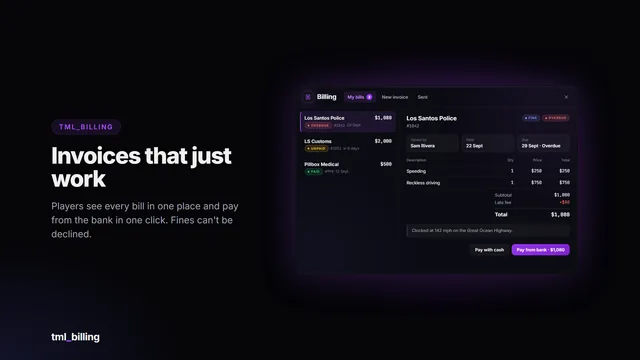
Itemised invoices and fines that just work. Businesses bill the person standing next to them in a few clicks; players see every bill in one clean window and pay from the bank in one click. The money…
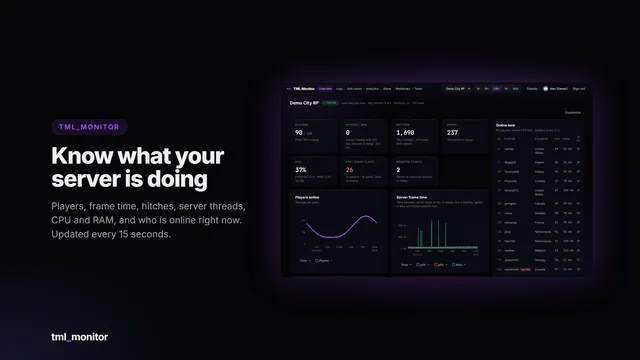
Live performance, every log and server-side anti-cheat signals for your FiveM server, in a web dashboard you and your staff open from any browser or phone.